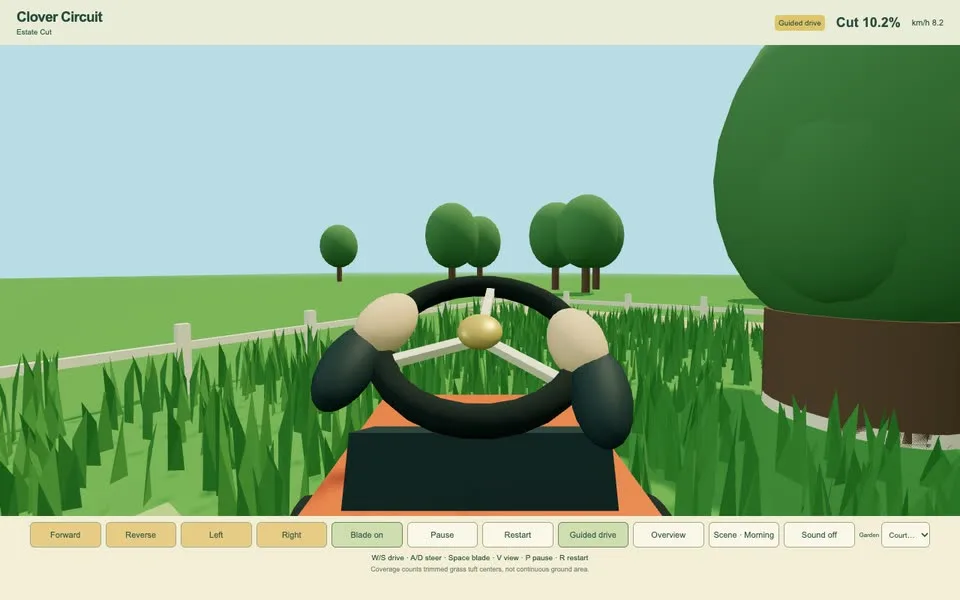
Clover Circuit: Estate Cut
Tools Pro
Skills / Tools
Rewrite one image-generation prompt so it works well on other image models (GPT Image 2, Nano Banana 2, Seedream 5.0 Pro, FLUX.2, Grok Imagine, Qwen Image 3), keeping the meaning, the on-picture text and the style. Use when a prompt was written for one model and you want the version for another, or to compare the same idea across models.
Rewrite one image-generation prompt so it works well on other image models (GPT Image 2, Nano Banana 2, Seedream 5.0 Pro, FLUX.2, Grok Imagine, Qwen Image 3), keeping the meaning, the on-picture text and the style. Use when a prompt was written for one model and you want the version for another, or to compare the same idea across models.
Provide your brief and assets. Review the result, then refine and export. Some skills require installed tools or paid model access.
Browse the examples and read the skill’s requirements before downloading.
Extract the ZIP into your project. Ask your agent to read SKILL.md and follow its workflow.
Provide your brief and assets. Review the result, then refine and export. Some skills require installed tools or paid model access.
Sign in with an active Pro membership to read the full workflow and download its files.
03 / Keep exploring
Tools Pro
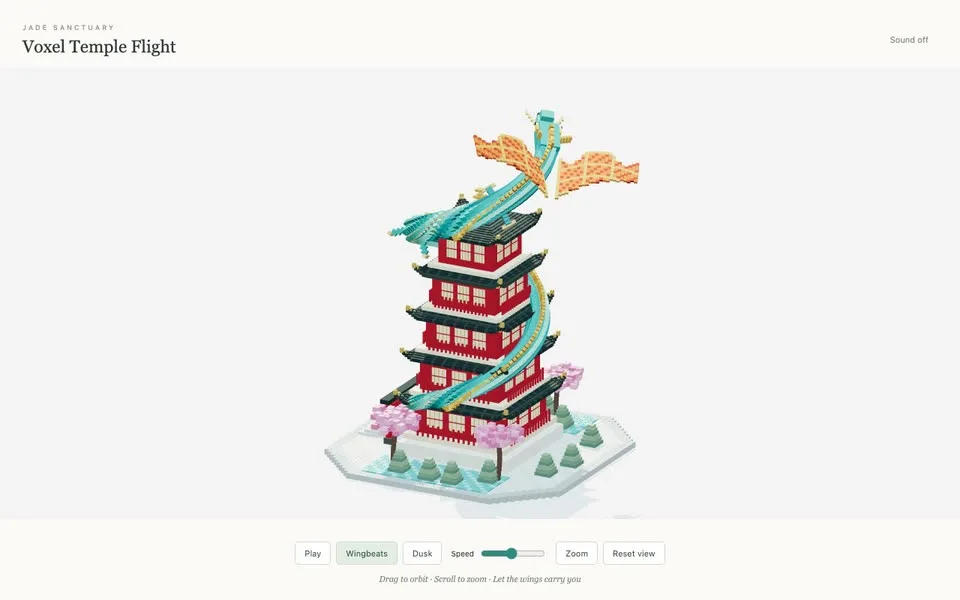
Tools Pro
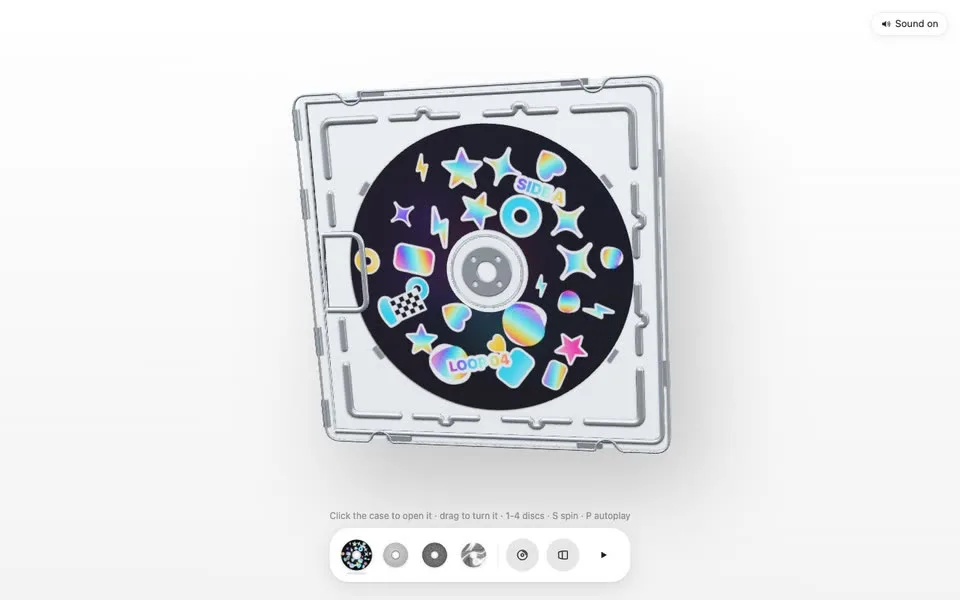
Tools Pro
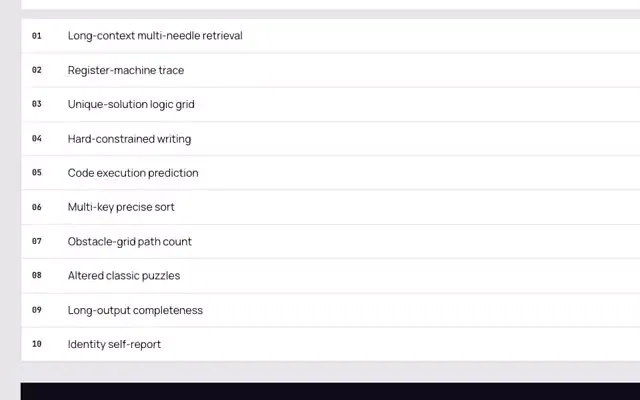
Tools Free